Multiple Boox queries - Changing default PDF app, opening PDFs in portrait mode.

Hi Guys,
I've been having a couple of problems with my boox go 10.3.
Firstly when I open pdfs from a file app or from localsend, they automatically open in NeoReader. I've looked everywhere and I can't find a setting to change PDFs to automatically open in the Notes app. Even when opening a PDF in Notes from the NeoReader app, and setting "set as default" will only work for that specific file. How can I get it back to where the device always asks me where I want to open and store a PDF when I open it for the first time, or always open in Notes by default?
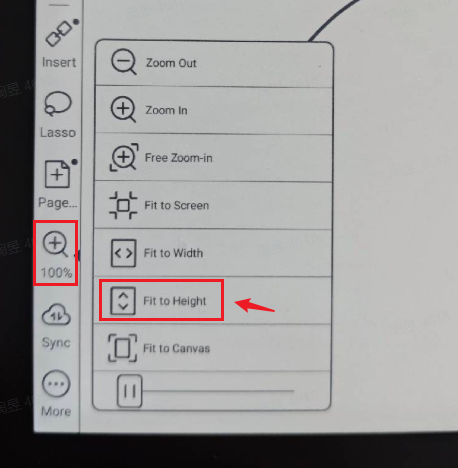
Secondly if I open a portrait PDF in the notes app and the boox is in landscape rotation, the Notes app add extra width to the portrait PDF such that it fits the screen in landscape. Then when I go to change the rotation of the whole device to portrait, the extra PDF width is still there and I can't remove it.
here are some pictures to show this issue: https://drive.google.com/drive/folders/16D_uVdtnPtc6SFj09543ldRQ5ahN7gVu?usp=sharing
Please could I get some help?
Thanks!