[BUG ]Screenshot edit - Zoom out

Hello,
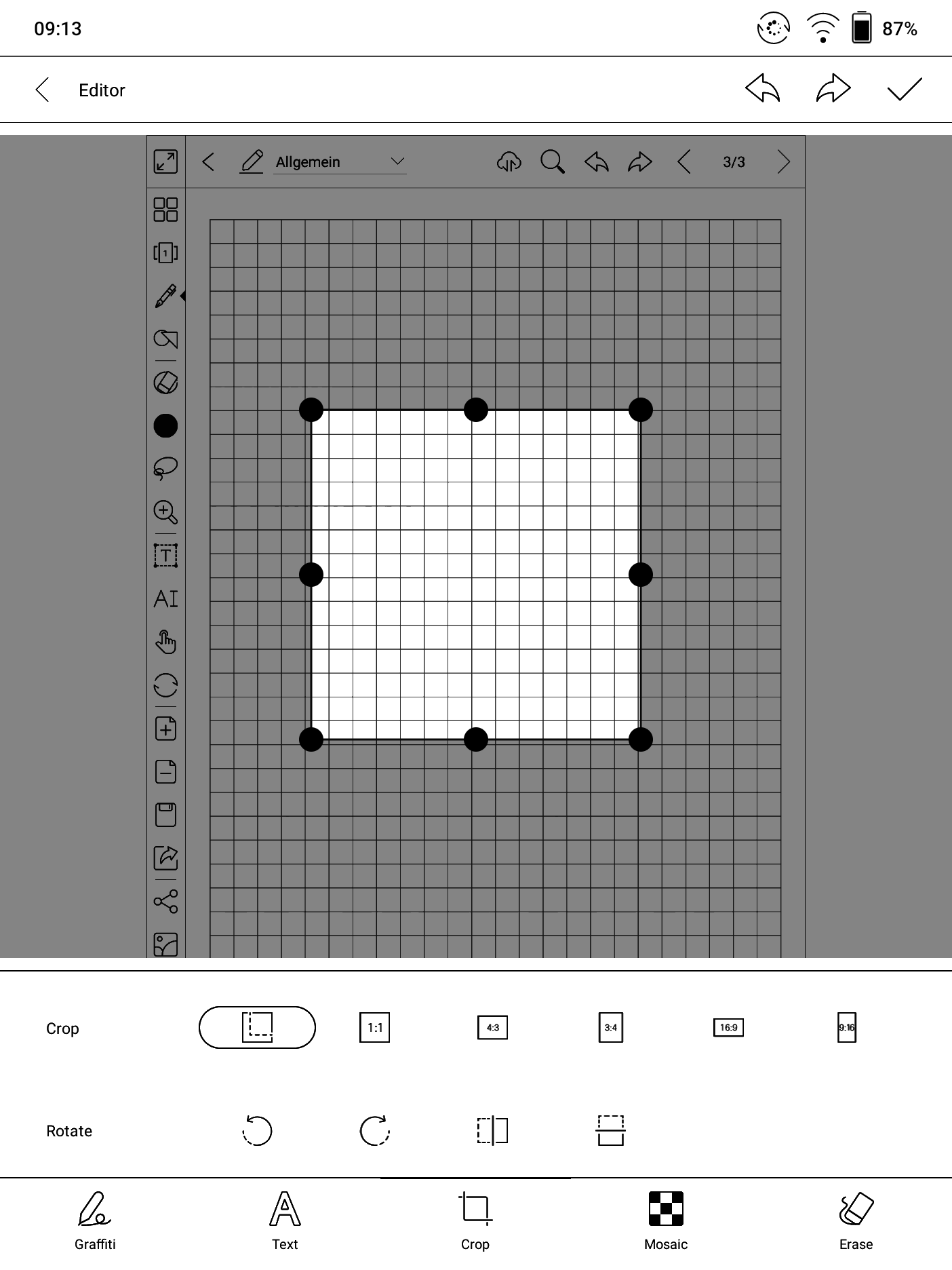
when I do a screenshot using the Navigation Ball and then click the preview I get directly into the edit-mode for the screenshot. Unfortunately the screenshot does not show fully zoomed out, the bottom of the picture is hidden under the toolbar, see attached picture. The only way I found to zoom to full is to change orientation to landscape and then back to portrait. I think this should be fixed.
A zoom function would also be cool here as well as a crop function than works not only symmetrical.
Greetings,
Stefan
-
正式評論

Hello Stefan,
Thanks for your post. Apology for any inconvenience caused.
In this case, you are suggested to submit bugs on Feedback via Settings/ Feedback on your device or push.boox.com. Please make sure that you tick the option "send logs" while sending the Feedback so that we can analyze and diagnose the exact problem better. Our technical team will reply to you via email within 2 working days after you submit the Feedback. Thanks for your cooperation.
請登入寫評論。
評論
1 條評論