Copying images from a PDF into a handwritten note using the Note Air 4C.

I am having trouble copying images on a PDF into handwritten notes using my Note Air 4C. Documentation doesn't seem to accurately describe the copy/paste process, and I need assistance. Thanks!
0
-
正式評論

Dear customer,
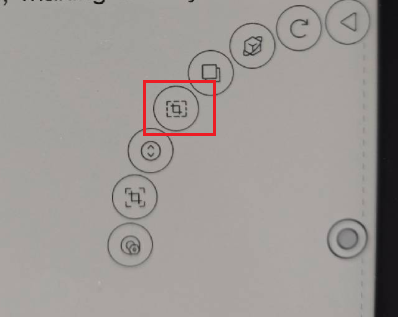
We are afraid that the BOOX device does not support copying the image from a PDF. However, you can use the Marquee Screenshot feature to get the image from the PDF to the Notes. Below are the steps:Open the PDF and click the "Marquee Screenshot" on the navigation ball
Drag to select an area on the screen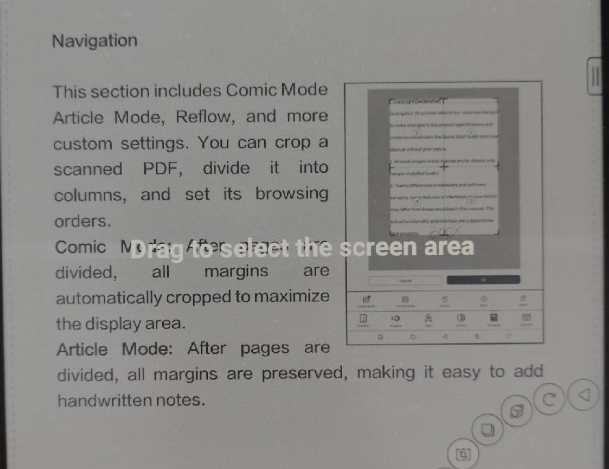
Save the screenshot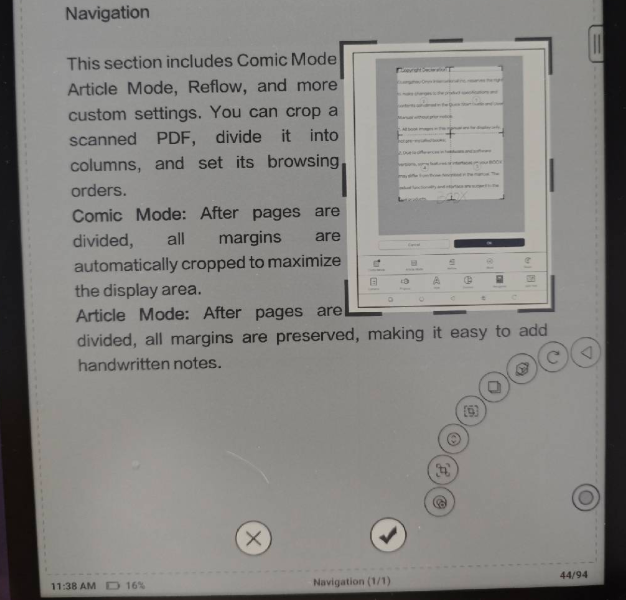
Open the Notes app and insert an image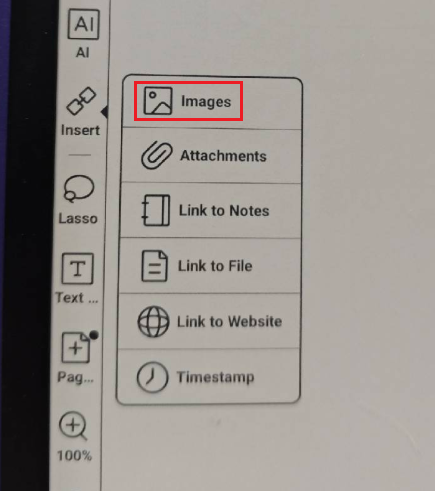
Select the screenshot
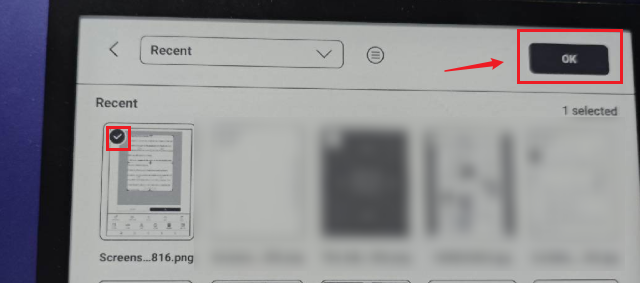
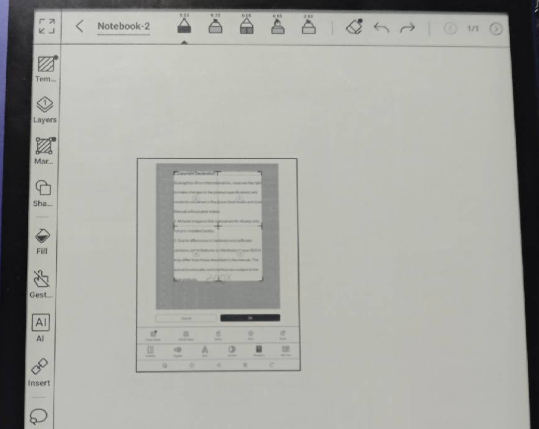
Many thanks for your time and understanding.
-
This work around is the next best thing! Thank you! Case closed.
0
請登入寫評論。
評論
2 條評論