Combine NeoReader and Notes Already!

-
正式評論

Dear customer,
We apologize for the inconvenience. In his case, we are wondering if you mean to apply a PDF template that contains hyperlinks in the Notes app and use the hyperlink in the template. If this is the case, it is possible to use the hyperlink in the PDF template since firmware 4.0. In this case, please check the firmware version of your device. If the firmware version is 4.0, please update the firmware first. Many thanks for your understanding. -
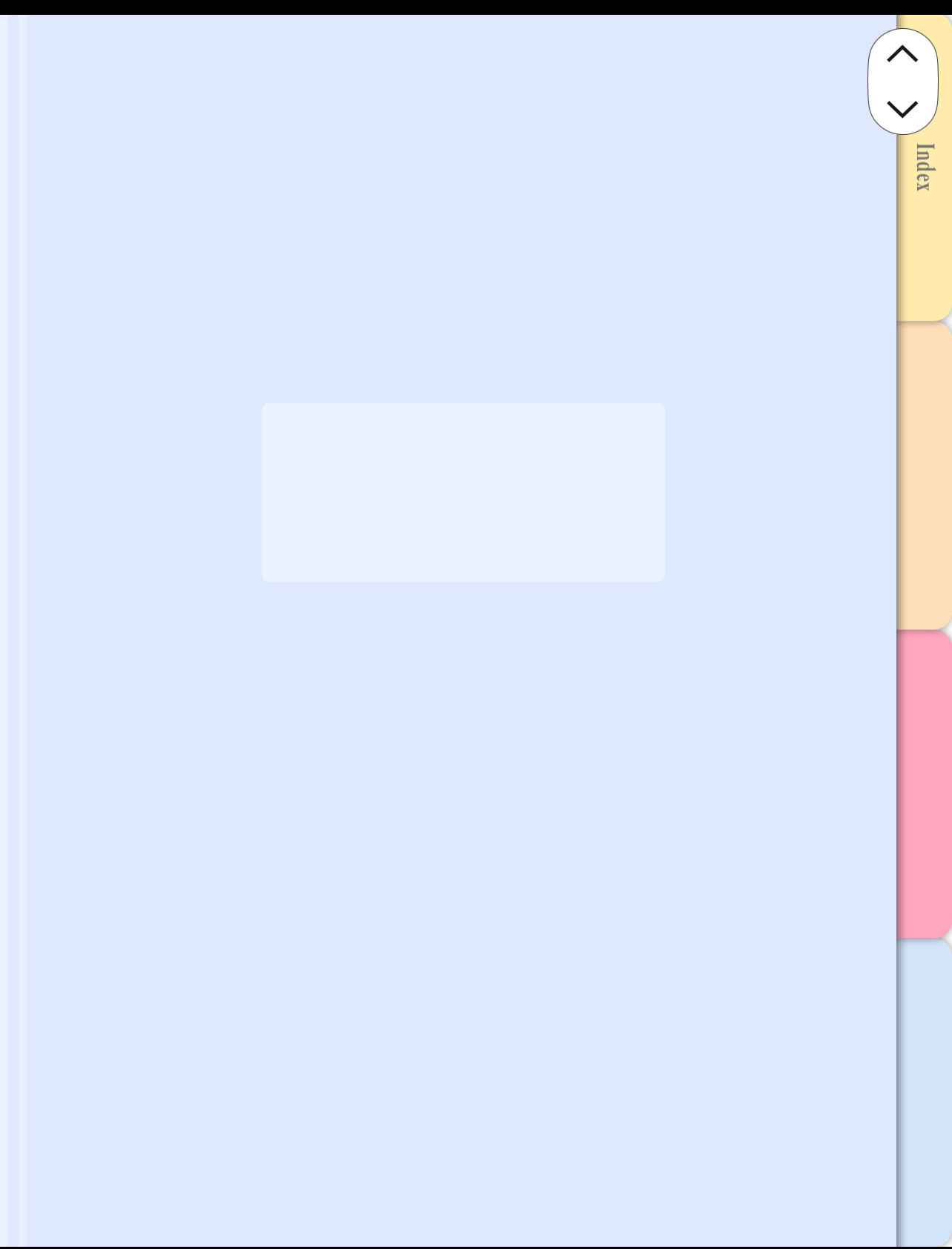
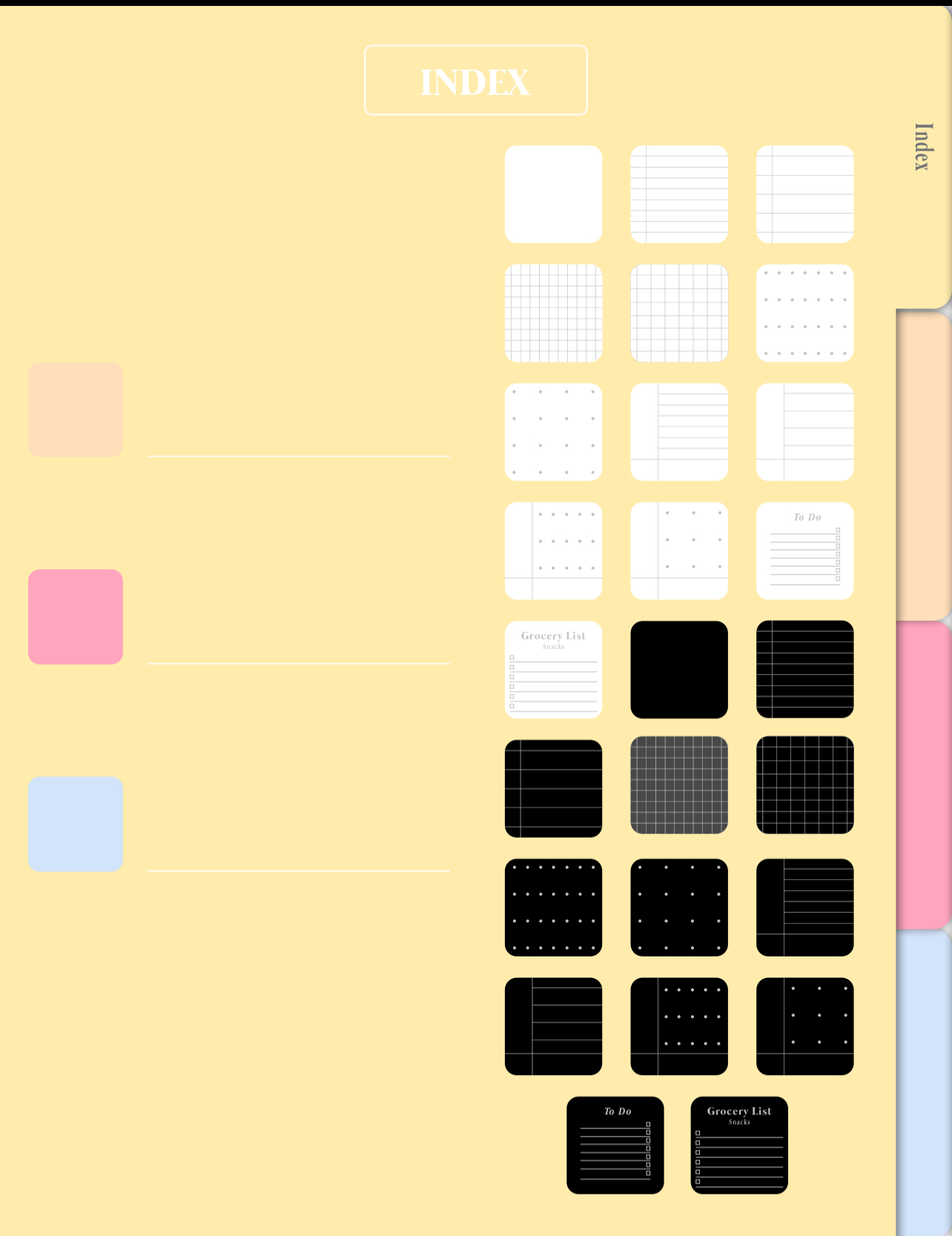 I have been using Firmware V4.0 on my Tab X since 4/2/2025. This issue is not fixed and I’ve been complaining about it for years at this point.
This is an example of the notebook template I’m trying to use. Tapping each tab along the right side should allow me to navigate to a different section within the same notebook. Tapping the tiles on the index page should select the type of paper that I want added to a section. These functions work in NeoReader, where they are useless for me. They should work in the notes app and they do not even with the latest update.
0 -
Dear customer,
We apologize for the inconvenience. In this case, we would appreciate it if you could submit feedback via "Settings" > "FAQ & Feedback" > "+" on your device. While submitting feedback, please attach the template file, and please describe the question in the feedback. Our technical team will get back to you as soon as possible after you submit the Feedback. Many thanks for your understanding.0
請登入寫評論。
評論
3 條評論