Tab Ultra C Pro is not recognized by my PC

I want to use my tablet as a display for my PC. It is possible to do it in my home wifi network using Spacedesk. But for my job I need to connect to corporate VPN. After connection to the VPN spacedesk does not recognize my PC even if I connect my tablet to the same VPN. So I'm trying to use USB-C cable. But the Device Manager sees the tablet as "Unknown USB Device (Invalid Configuration Descriptor)".
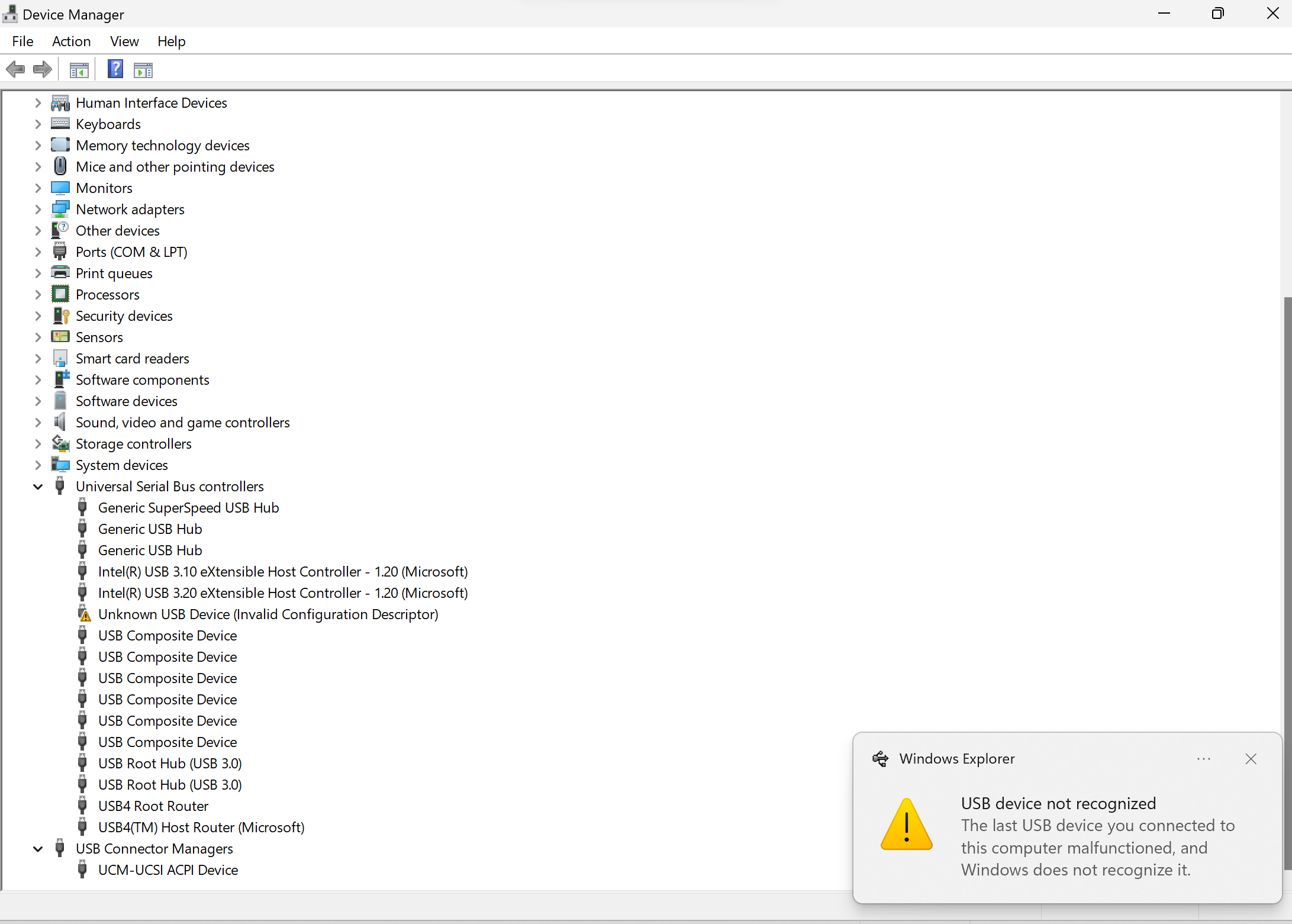
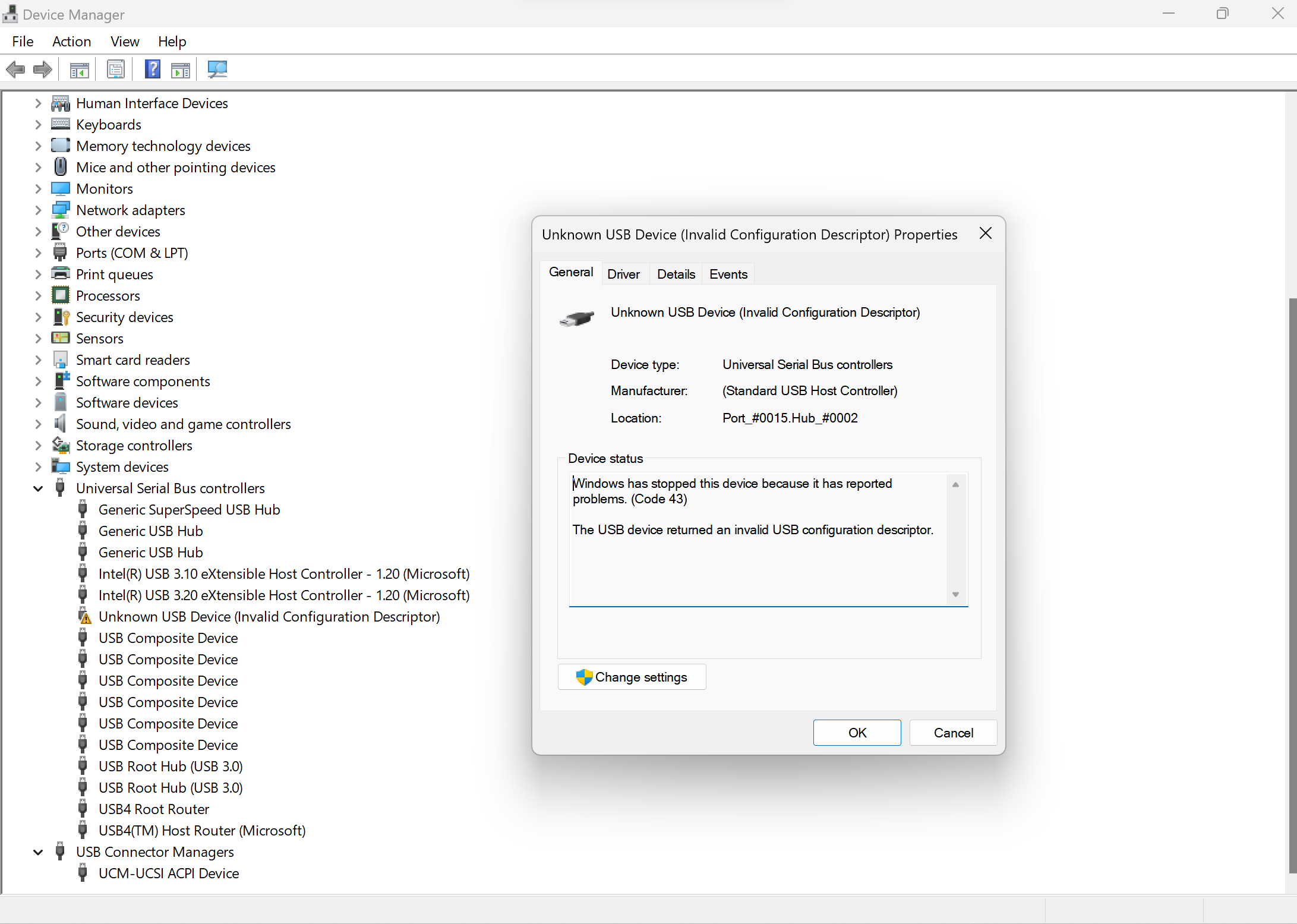
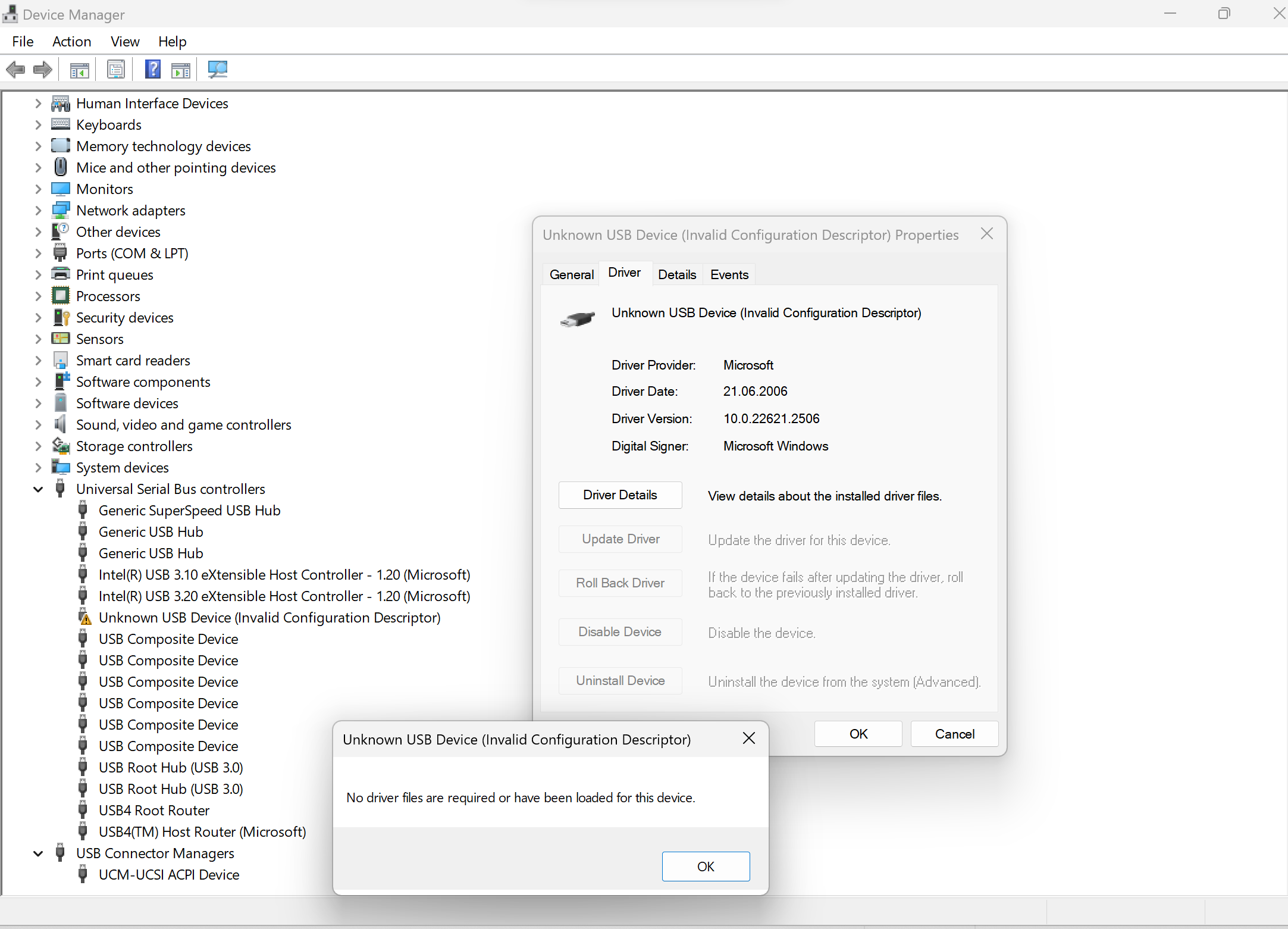
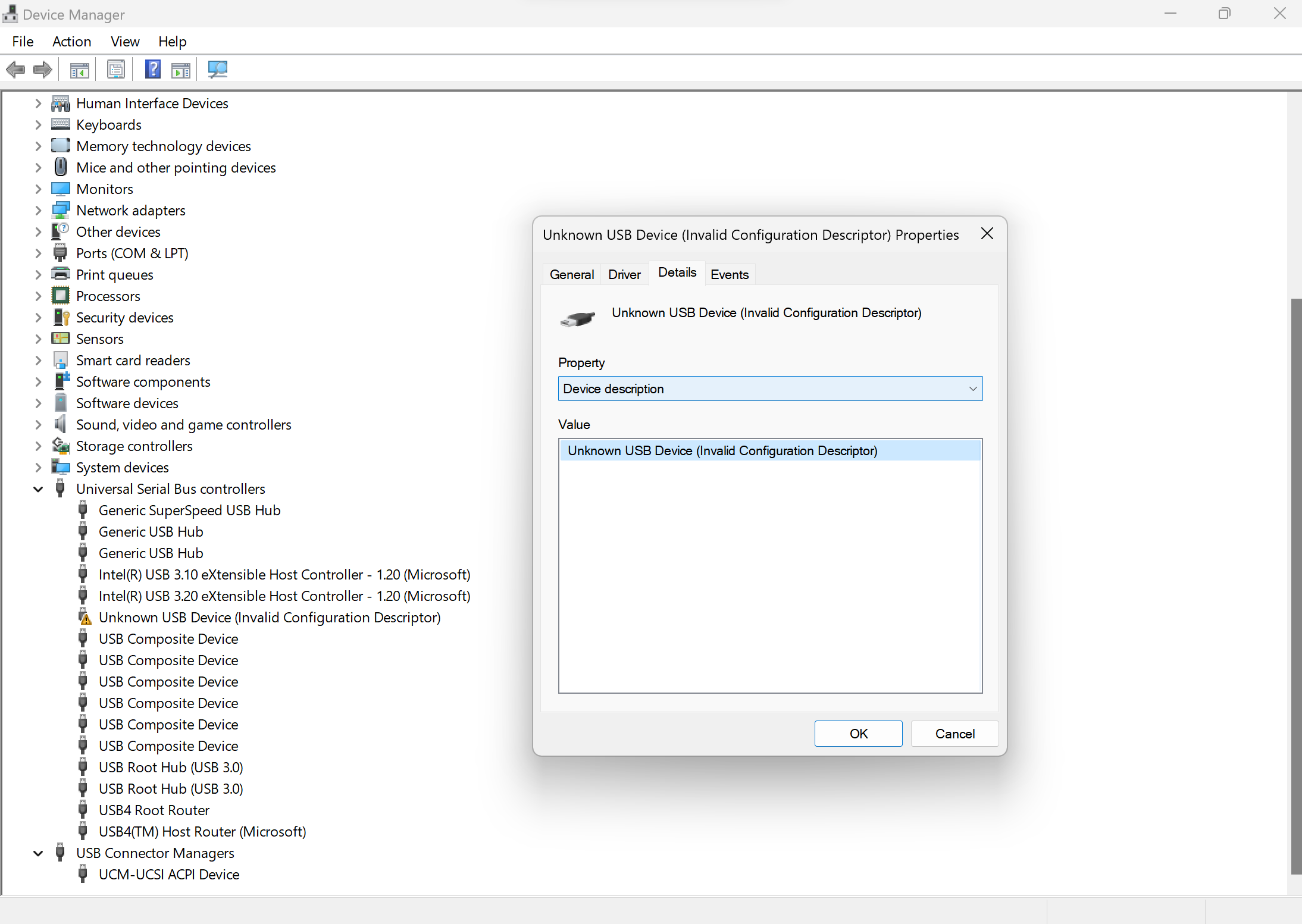
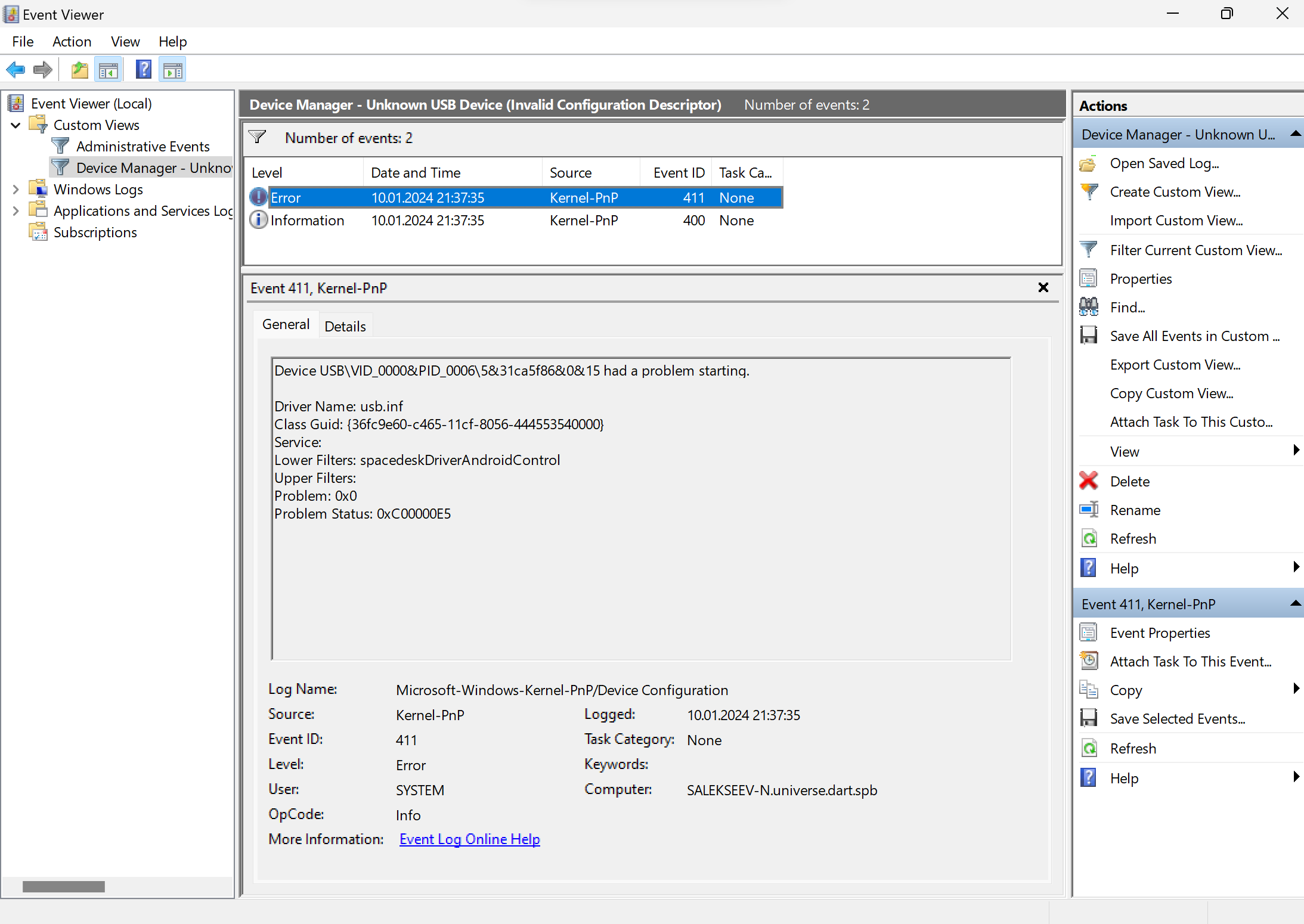
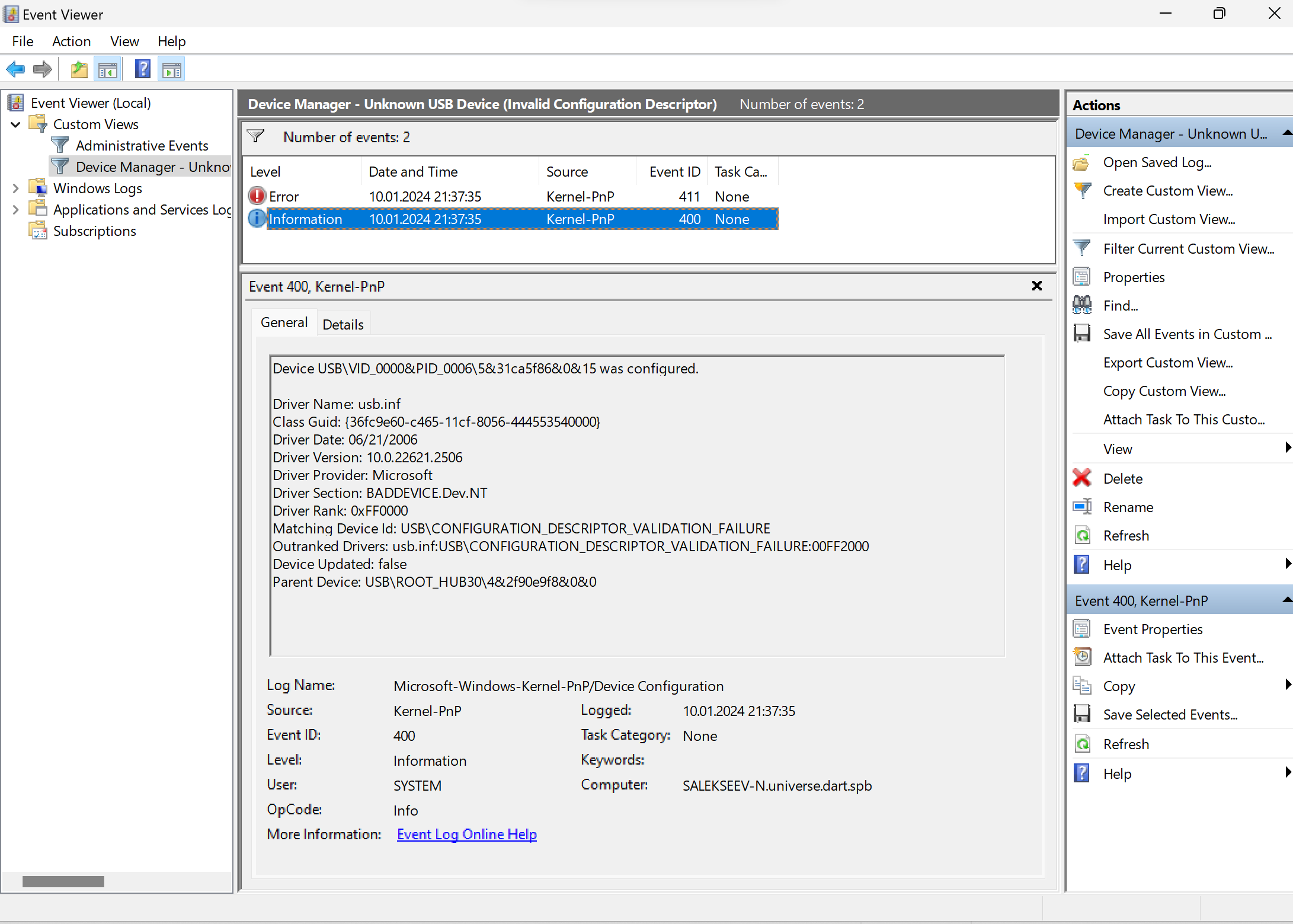 Could anybody help in solving it?
-
Official comment

Dear customer,
We are sincerely sorry that the Tab Ultra C Pro does not support work as a display via USB connection. Regarding the issue with the device is not recognized by the computer, please try the following solution:
1) Connect to another port of your computer.
2) Please try to connect with another computer.
3) Please try with another USB cable.
4) Please enable the USB Debug Mode via "Settings" > "More Settings" > "USB Debug Mode".
If the problem persists, we suggest reproducing this issue on your device. After that, please immediately submit feedback via "Settings" > "FAQ & Feedback" > "+" on your device. Please make sure that you tick the option "send logs" and please describe the question in the feedback. Our technical team will get back to you as soon as possible after you submit the Feedback.
Sincerely,
Derek
Please sign in to leave a comment.
Comments
1 comment