Feature request: quick switch between navigation mode and full page view [NeoReader]

When viewing a complex layout PDF, it is essential to be able to able to switch back and forth between viewing all the contents of the page and viewing the zoomed-in area of navigation mode. For example, a textbook may have two columns, margin notes, and occasional elements which span the two columns. Have a look at the following screenshots (from a freely available, no problems with sharing the images):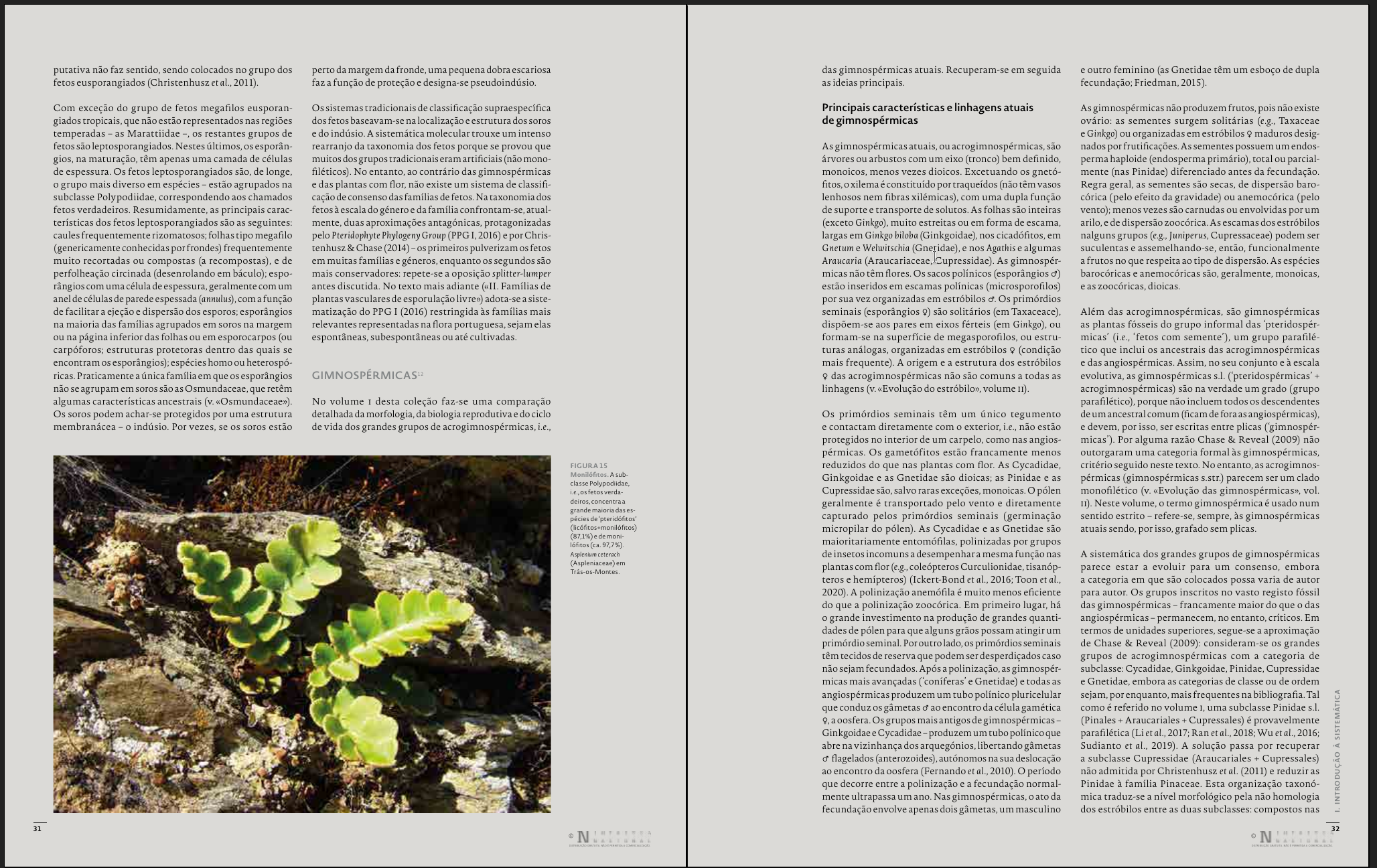
To read it, one would select Navigation mode and tweak it in the ⚙More section (selecting the two page icon in Crop and the 4-parts division icon in Column).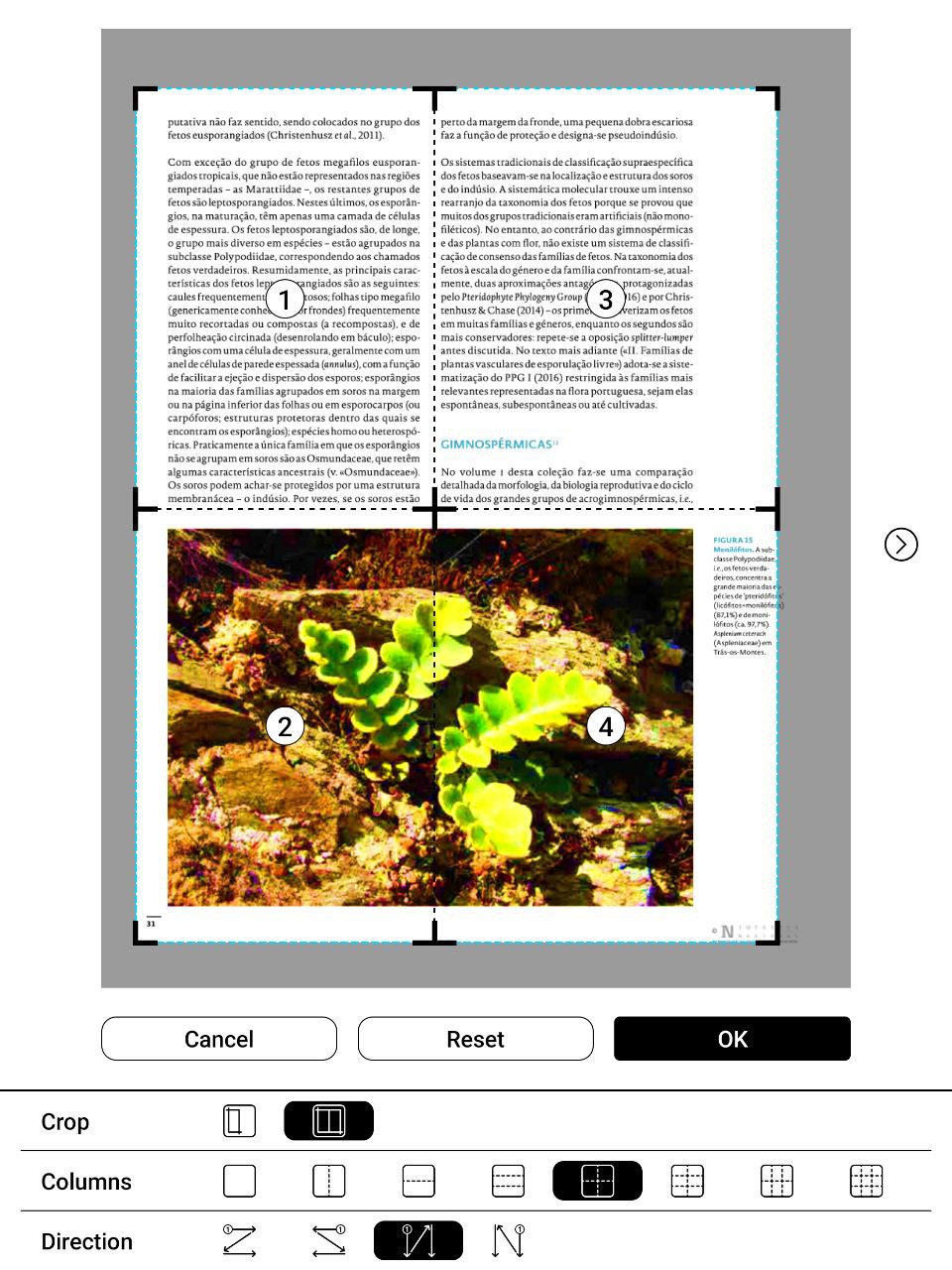 Have a look now at the following pages:
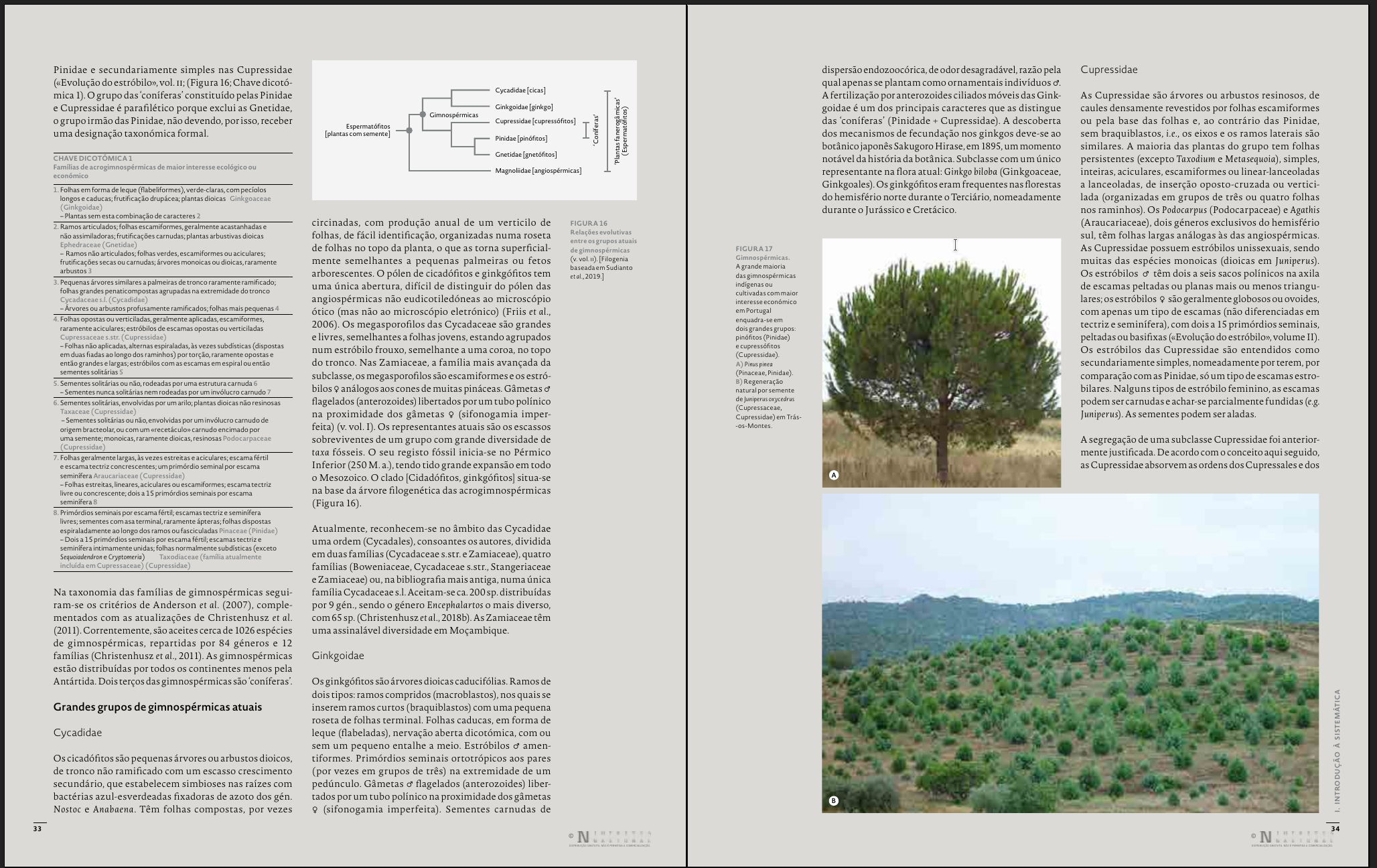
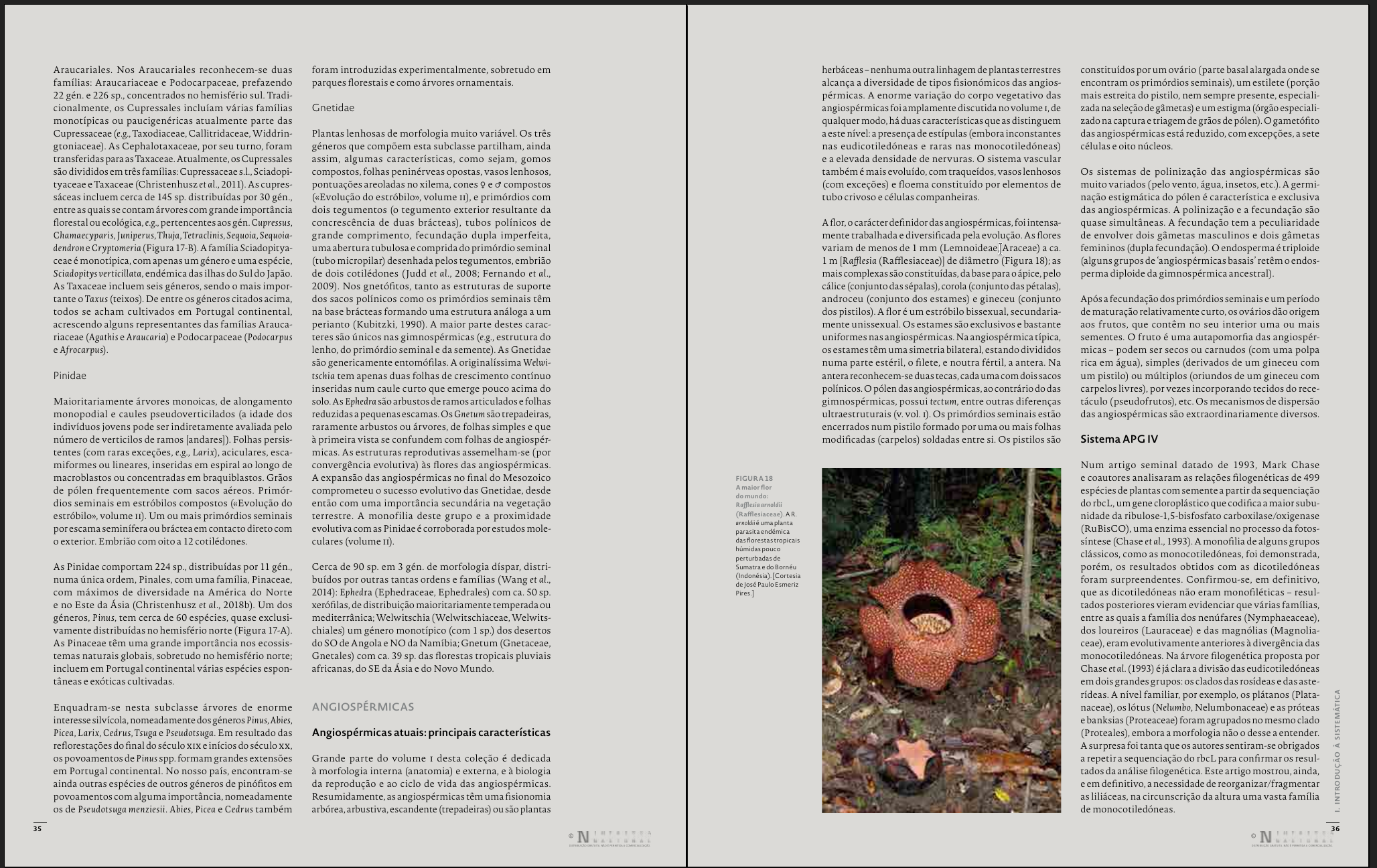
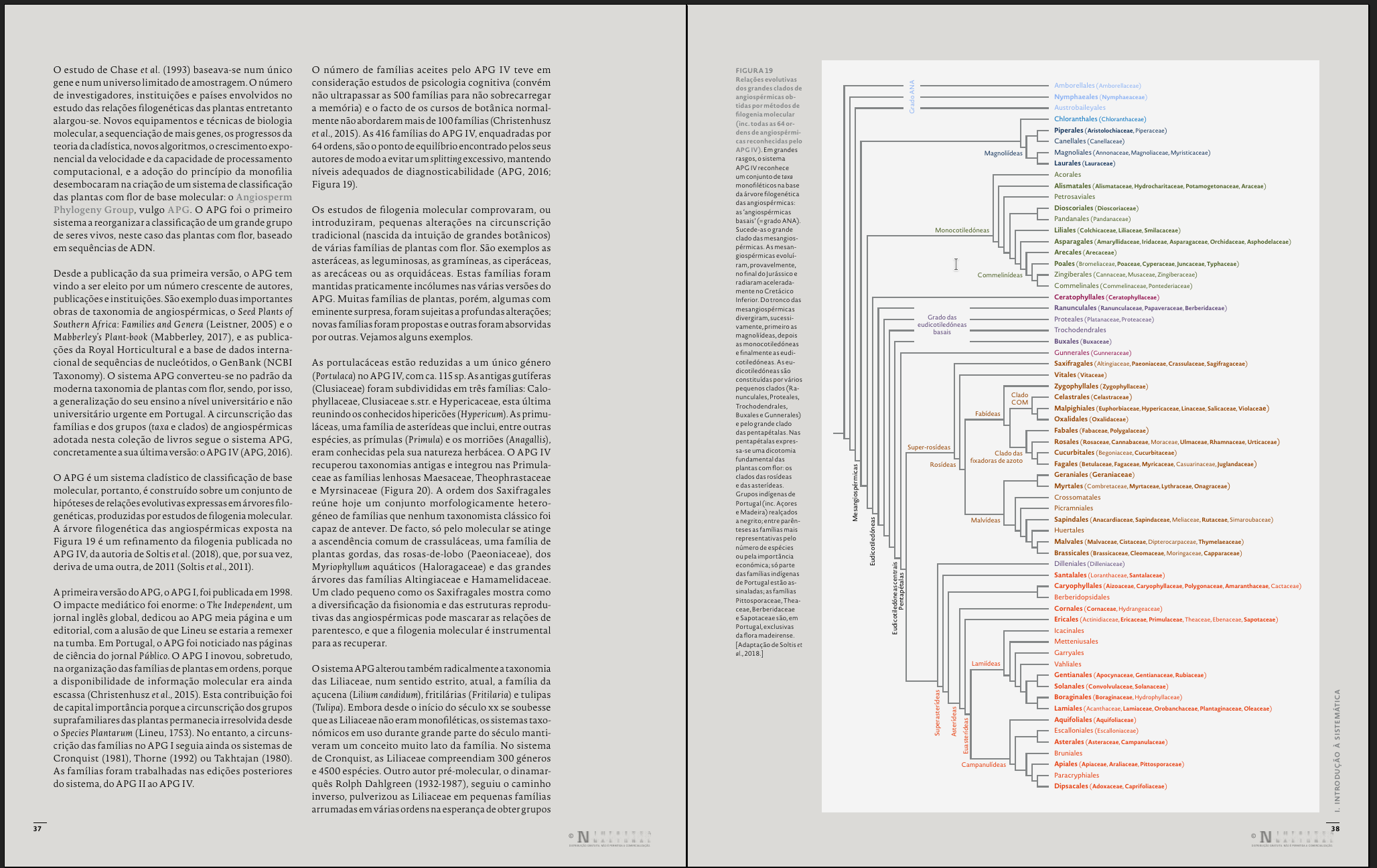
One would frequently have to unset all the navigation options to see those large elements and then set them all over again to read the text.
Proposed solution: a button that toggles full page view (possibly keeping the cropping settings set for the document. When clicking it again, the view comes back to the navigation mode, be it article mode, cartoon mode, or a custom mode configured with the ⚙More button.
Alternative solution: the ability to save customized navigation modes, so that you would toggle the navigation mode on and off.
Note: my device is Note Air 3 C.
Please sign in to leave a comment.
Comments
0 comments