Turn multiple pages at once

Please add an option to make the navigation balls turn 5 pages at once, or even better a customizable number of pages at once when reading.
Now pressing a navigation ball turns 1 page. However 1 page turn can be achieved by touching everywhere on the screen, so this option is redundant.
-
Official comment

Hi Viktor,
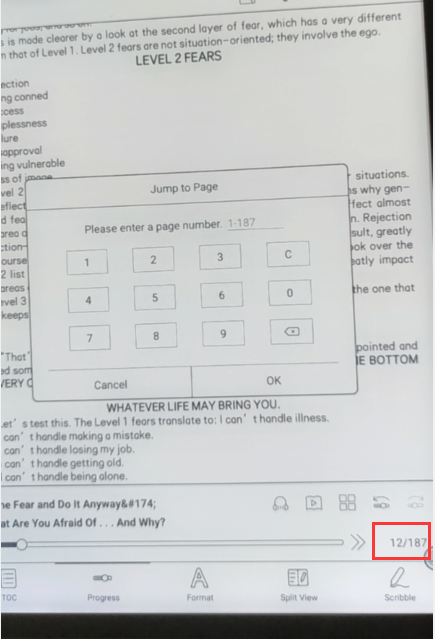
Thanks for your post. You can tap the blank space to call out the status bar like the picture shown below. You will be able to amend the page number there.
-
Thank you, it is nice to be able to go to any page with 6 clicks.
Please consider adding the option to set the number of pages turned with the navigation balls. Even as far back as M92 it was easy to skip 5 pages ahead by holding the button. No reason not to have this option in the newest device.
0
Please sign in to leave a comment.
Comments
2 comments