wrong Eraser tool icon on Notes top bar

The Eraser tool icon located in the top tool bar of the Note application does not represent the selected Eraser Mode ( mobile, stroke or area eraser ) ( as it did on the previous version before 2021-11-22 firmware update, when it was located at the left tool bar )

1
-

Dear customer,
Sorry for the late reply.We are sorry that you may need to click and select the eraser and click it again to pop up the window for more options.
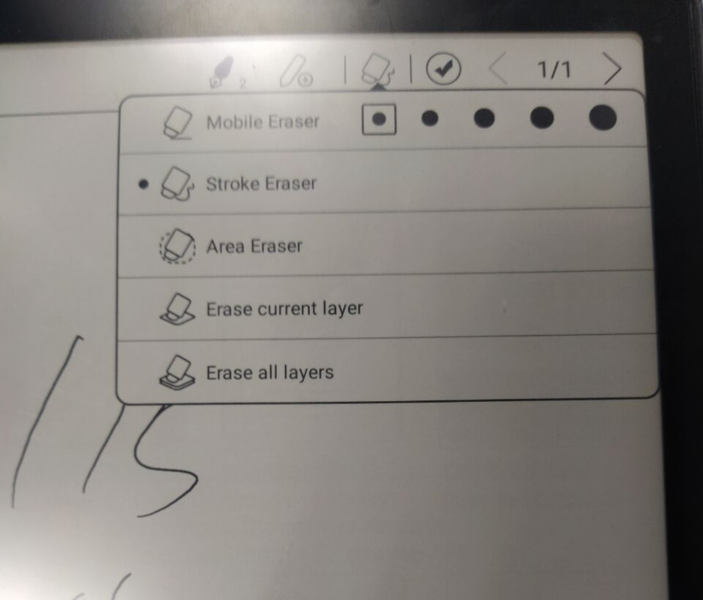
Thank you for your understanding and hope it helps.
0
Please sign in to leave a comment.
Comments
1 comment