Dictionary app in software version 3.2 (Nova 3)

Hi, after upgrading my Nova3 to software version 3.2 (2021-11-30_22-32_3.2_5bccd60), the dictionary app lookup seems to be somewhat broken.
For example, using dict-en.zip from this link Releases · BoboTiG/ebook-reader-dict · GitHub, the dictionary doesn't find evem simple words like 'can', or 'ice'. But the issue is present with other dictionaries as well. Some words are not found despite being in the dictionary. Other apps like Qdict work fine.
In version 3.1, the lookup was more or less fine. Could you please restore the lookup functionality to the previous version?
On the other hand, I want to thank you for enabling the dictionary in landscape mode- huge bonus for me.
-

Dear customer,
We are sorry for the inconvenience.After checking, it is possible to use dict-en.zip from the link Releases · BoboTiG/ebook-reader-dict · GitHub. And you could probably follow the steps below to get it to work.
1) Download and Unzip the dictionary file on PC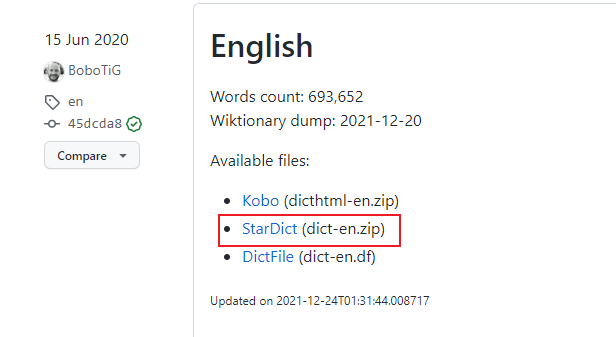
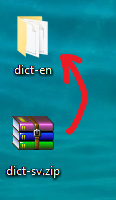
2) Connect your Nova 3 with your PC and put the unzipped file to the file directory "This PC\Nova 3\Internal shared storage\dicts"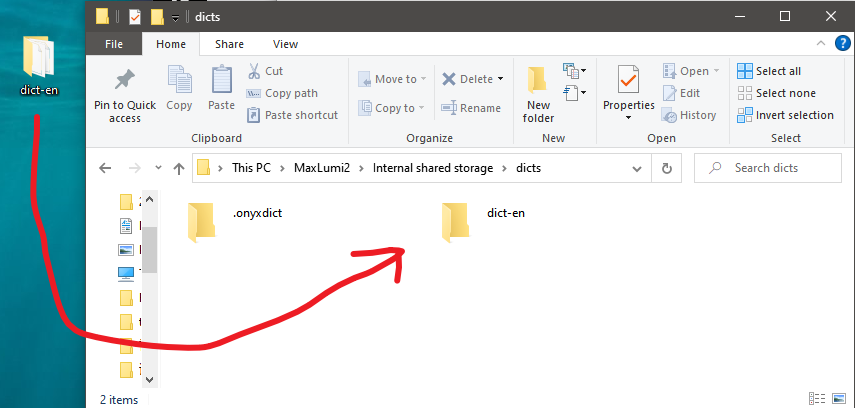
3) Get to your Nova 3 and open the built-in dictionary app.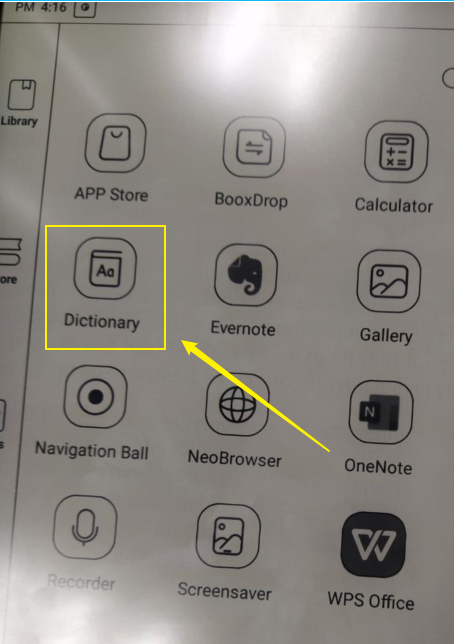
4) Click the options icon at the top right of the screen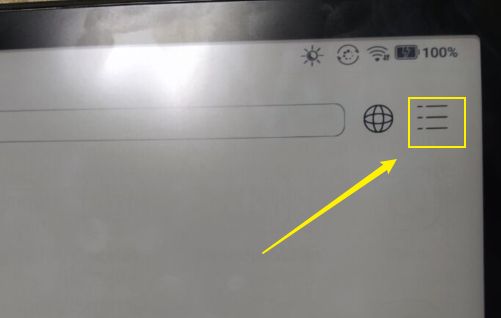
5) Click "Preferred Dictionary Setting"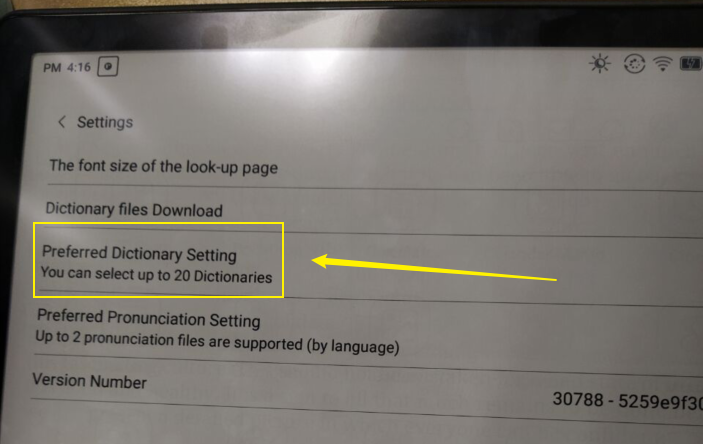
6) Select the dictionary and click "OK"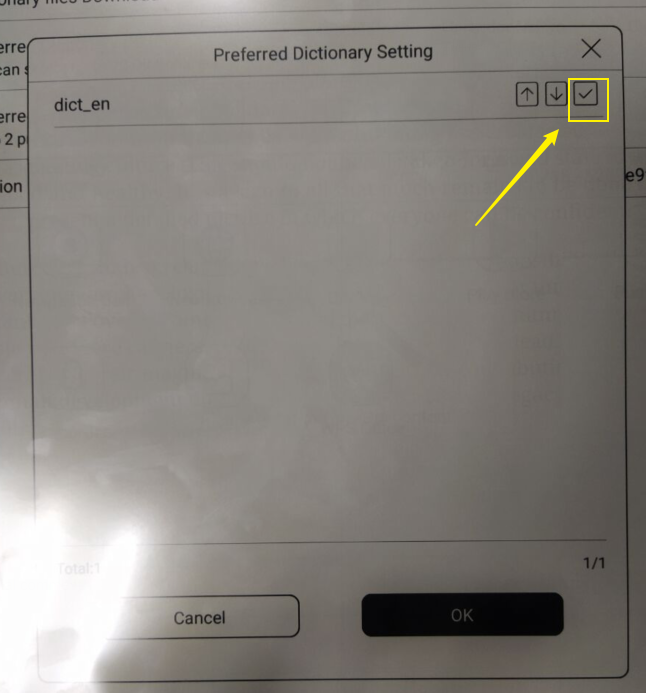
After that, you will be able to use the dictionary you downloaded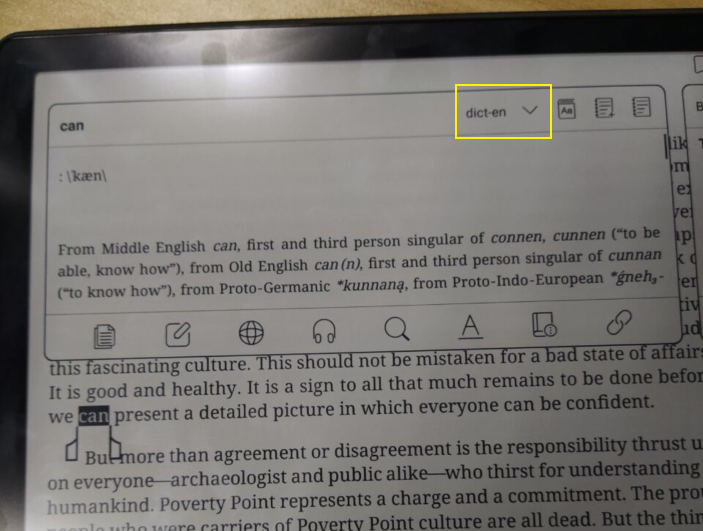
Thank you for your time and hope it helps.0 -
Thank you for your help.
It seems the issue was with the index files. Upon first loading the dictionary, two index files ("dict_data.bgl.headword.index" and "dict_data.bgl.resource.index") are created. It appears that those files created by the previous version of the dictionary app were not fully compatible with the new (3.2) version.
Thus the dictionary worked, but some words (including "can") were impossible to find, while others (e.g. "and") worked just fine. After deleting those index files, everything is good.
Thanks once again, I definitely appreciate the changes in the app.
0
Please sign in to leave a comment.
Comments
2 comments