Can’t open my boox

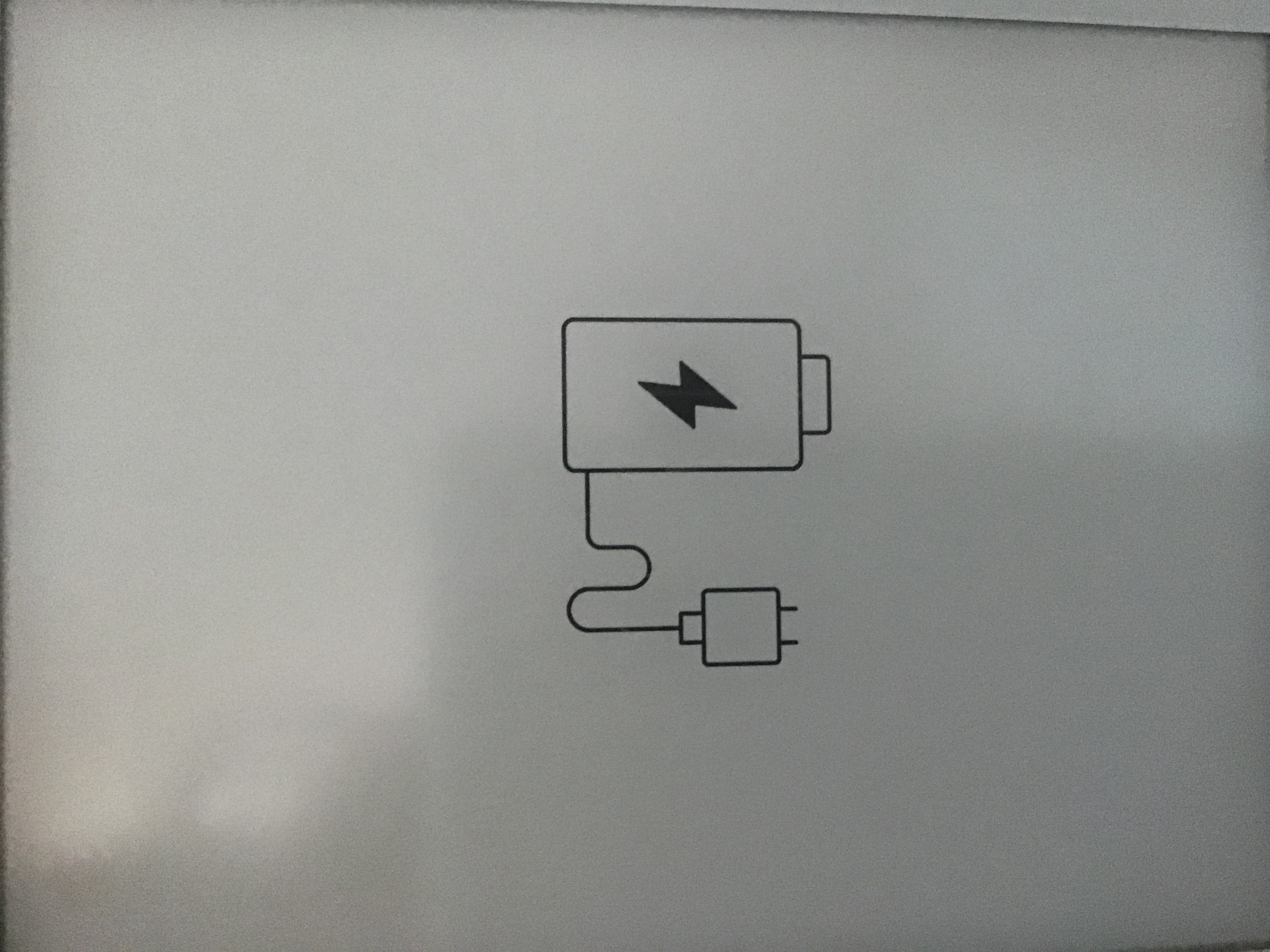 It show this on my boox
-

Dear customer, we apologize for the inconvenience.
In this case, please charge the device for an hour. After that, please do not remove the power source, and please long-press the power button for about 10 seconds and see if it is able to turn on the device.
If still unable to turn on the device, please into recovery mode and choose reboot system and see if it is possible to reboot the device. To get to the recovery mode, please try the steps below:
1) Plug the device into the power source (please do not connect to the computer) and switch off the device firstly by long-pressing the power button.
2) After the device is off, keep long-pressing the power button until a blue light indicates. And then, release the power button and press the "back" button for 15 seconds. After that, release the button and wait for the device into recovery mode.
3) In the recovery mode, press the "Back" button to choose "Reboot System Now". And then, please press the "Power" button to reboot the device.
You could also follow the steps in the video here to into recovery mode.
Many thanks for your time and understanding.
0
Please sign in to leave a comment.
Comments
1 comment